
 THIẾT BỊ TƯỜNG LỬA
 THIẾT BỊ ROUTER – SWITCH
 THIẾT BỊ WI-FI
 THIẾT BỊ SERVER
 GIÁM SÁT AI CHO DOANH NGHIỆP TỔ CHỨC
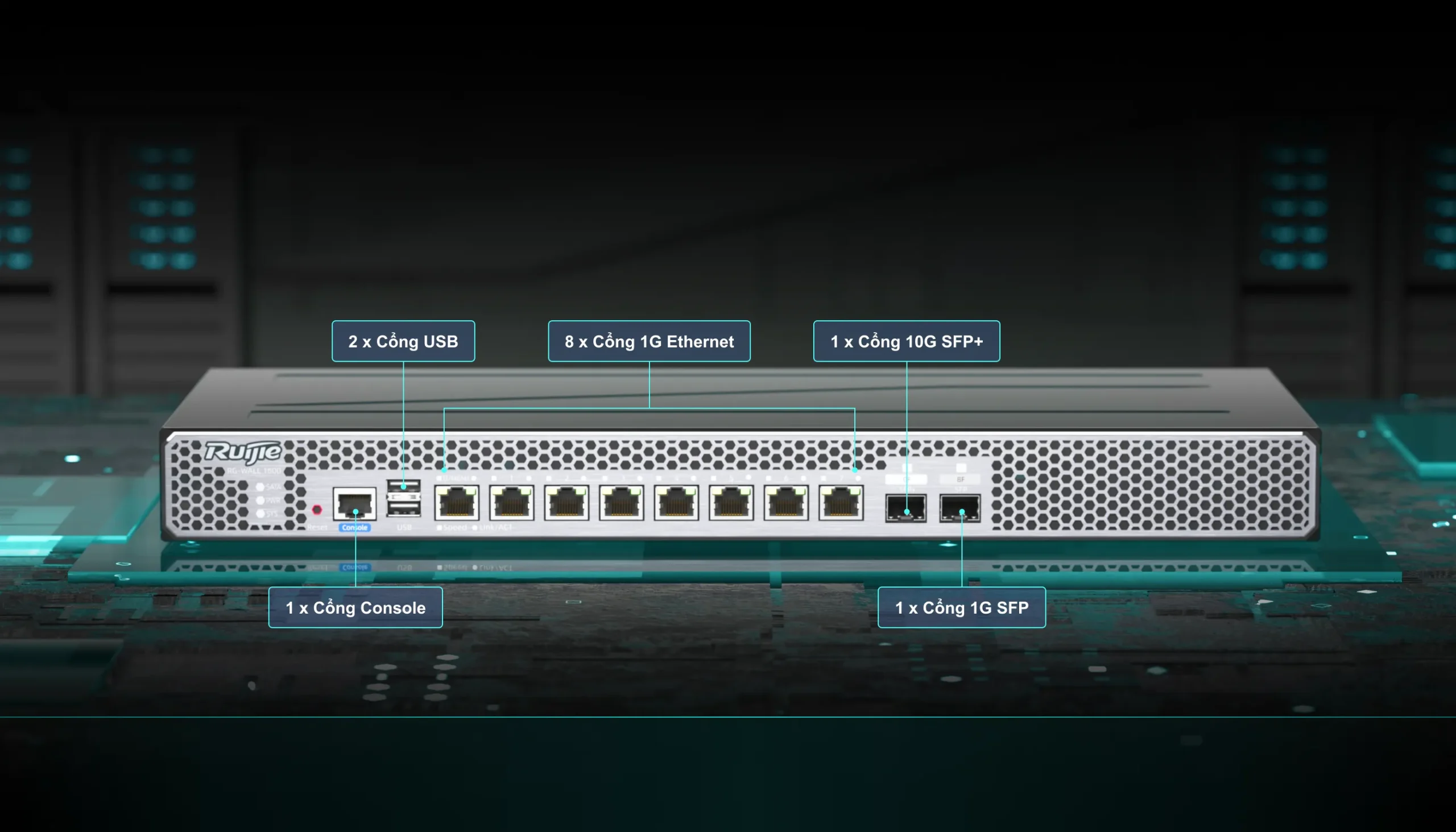





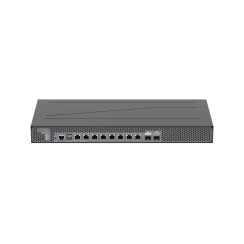
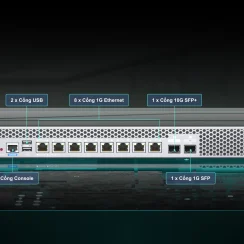




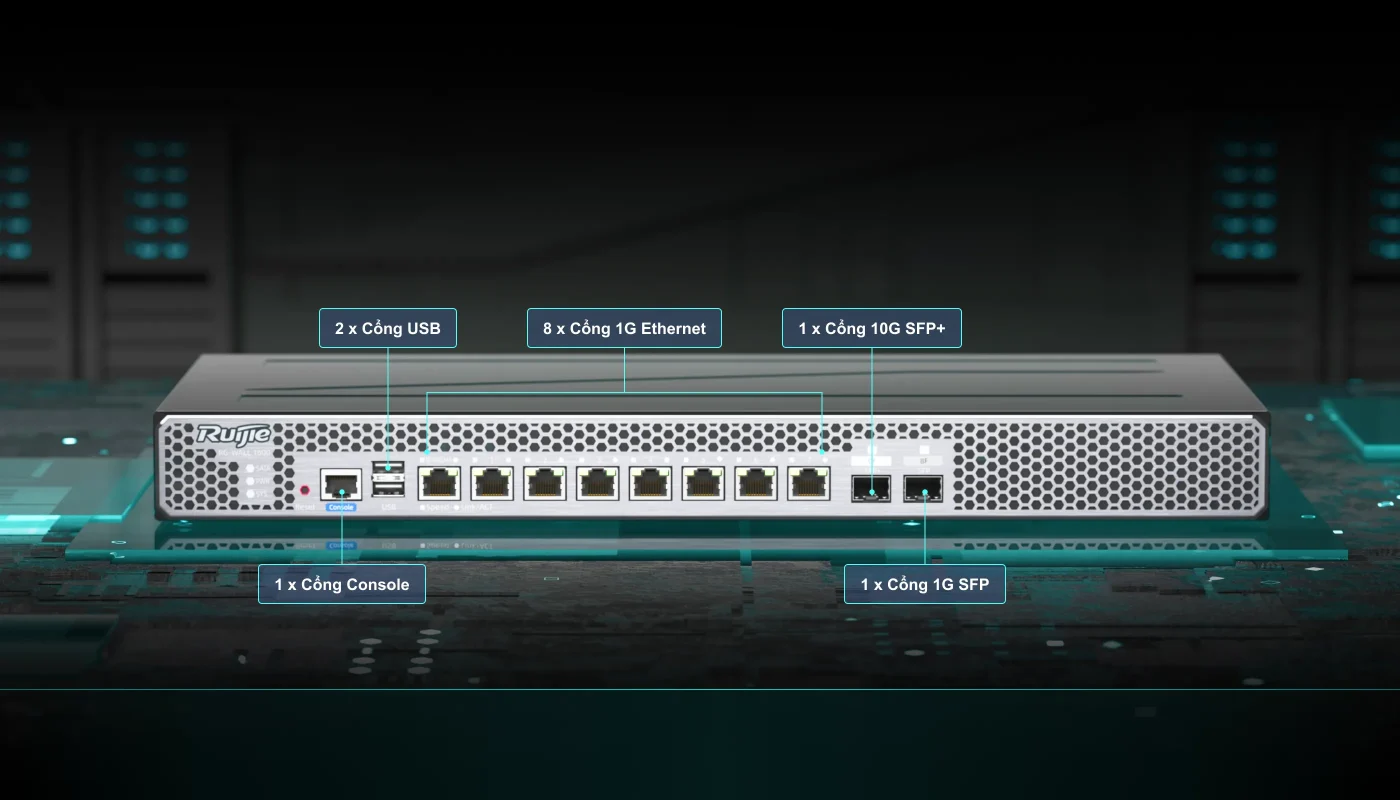
- (1) SFP+ 10G & (1) SFP 1G & (8) RJ45 1G & (2) USB 2.0
- (1) Console RJ45 để quản trị thiết bị
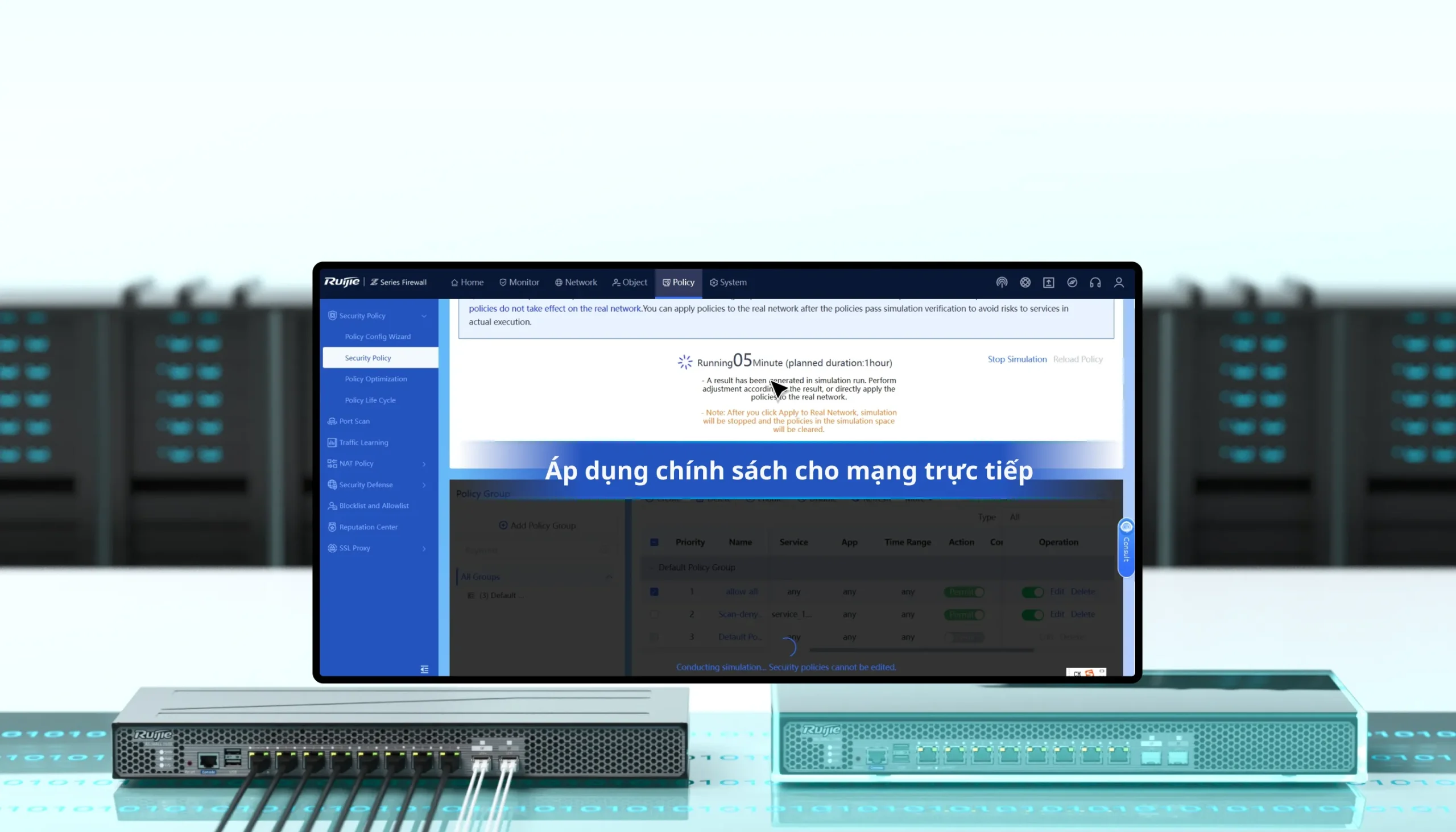
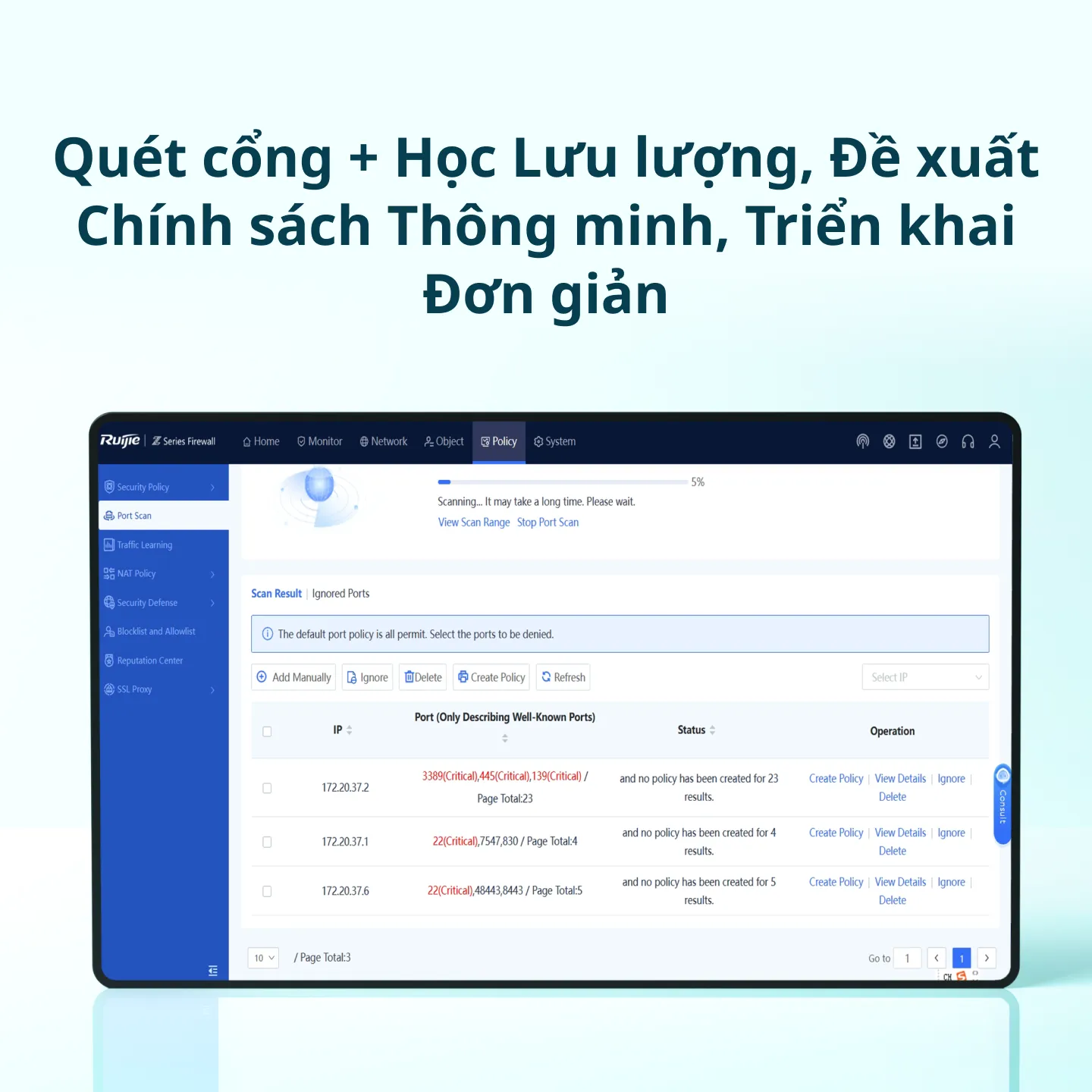
- Tính năng: Port scan, traffic learning, intelligent policy recommendation, policy execution after simulation, policy optimization anytime
- Xác định lỗi bằng một click với tính năng chuẩn đoán thông minh trên thiết bị
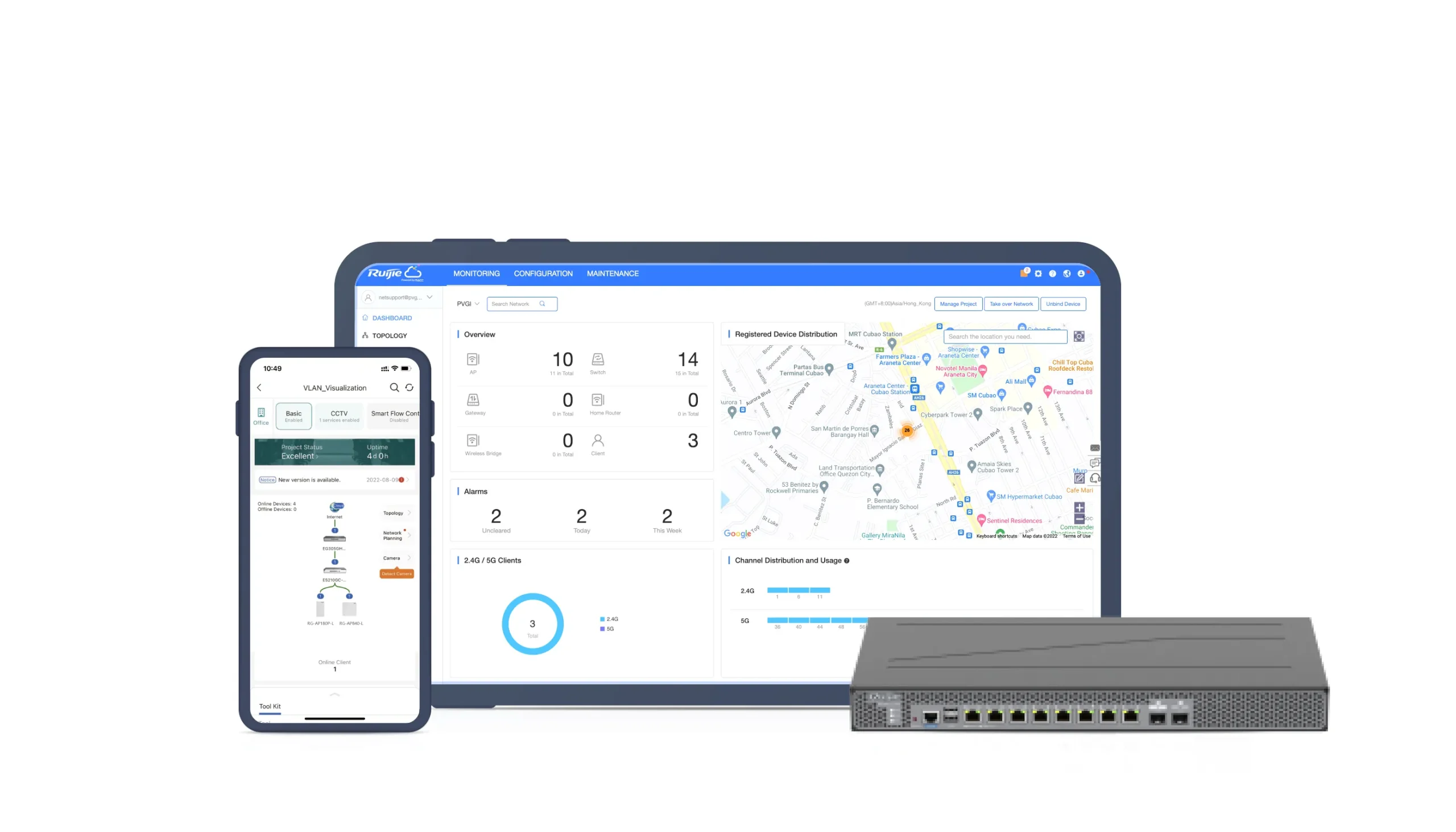
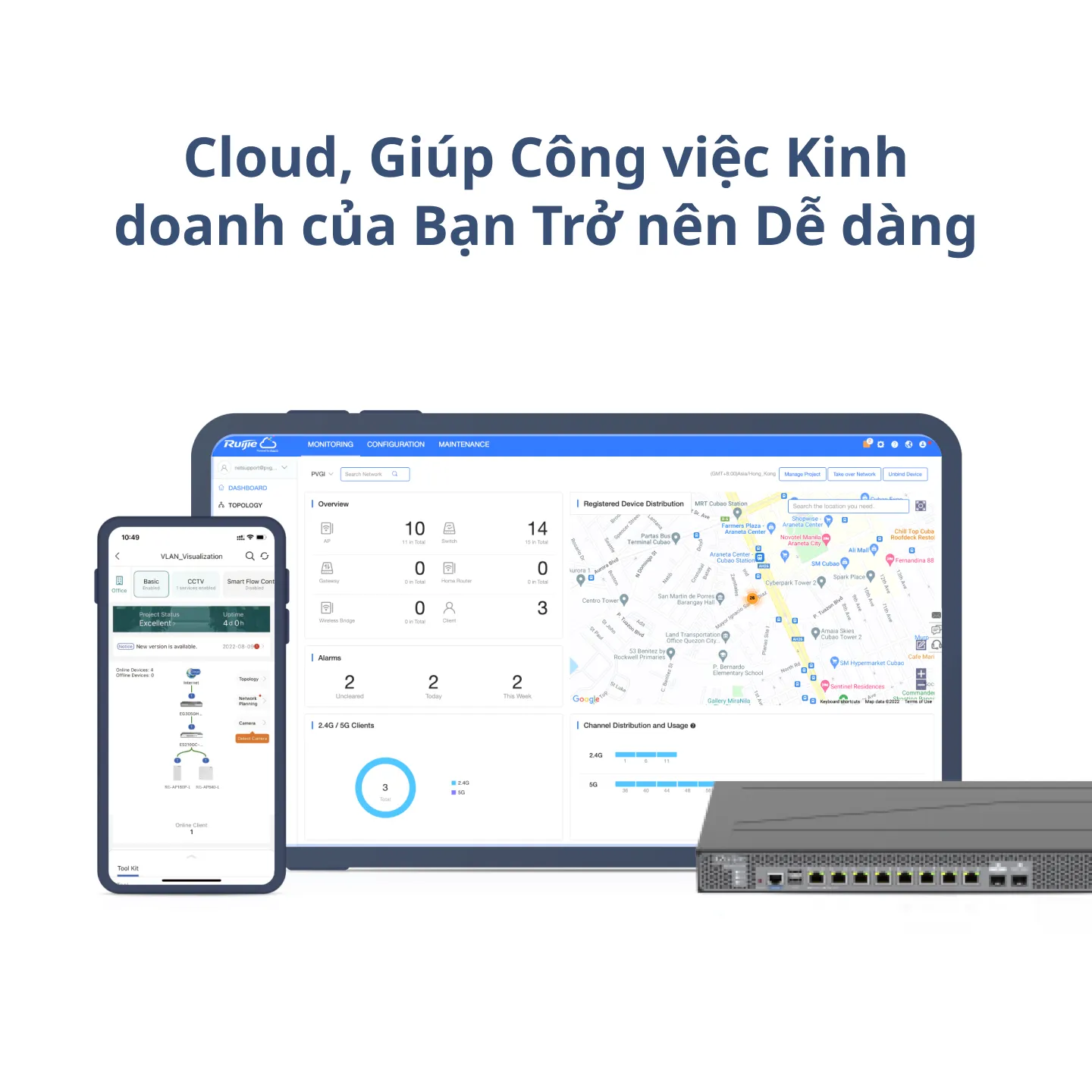
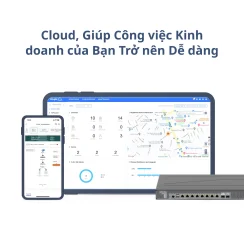
- Quản lý và giám sát qua Ruijie cloud
Thiết bị tường lửa Ruijie Z3200
Thiết bị tường lửa Ruijie Z3200
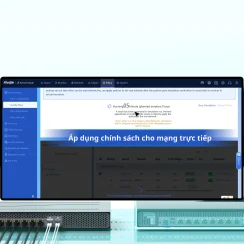
Trong suốt quá trình triển khai, sử dụng Quét Cổng để tự động xác định địa chỉ IP và số cổng của hệ thống dịch vụ, sau đó kích hoạt Học Lưu lượng tự động phát hiện mối quan hệ truy cập dịch vụ trên mạng trực tiếp. Bạn cũng có thể tạo các chính sách kiểm soát truy cập dựa trên các cổng chỉ bằng một cú nhấp chuột và hoàn tất quá trình triển khai tường lửa mà không cần kiến thức chuyên môn.
- Quét cổng + học lưu lượng, đề xuất chính sách thông minh, triển khai đơn giản
- Thực hiện chính sách sau khi mô phỏng, tối ưu hóa chính sách bất cứ lúc nào
- Định vị lỗi bằng một cú nhấp chuột trong trung tâm chẩn đoán thông minh
- Cloud, giúp công việc kinh doanh của bạn trở nên dễ dàng
Product Performance
| Firewall Throughput4 | Firewall (Traffic Mix) | IPS1 | NGFW1,2 | Threat Protection1,3 |
| 10 Gbps | 1 Gbps | 900 Mbps | 850 Mbps | 800 Mbps |
| 10 Gbps | 2 Gbps | 1.6 Gbps | 1.2 Gbps | 900 Mbps |
| 10 Gbps | 3 Gbps | 2 Gbps | 1.6 Gbps | 1 Gbps |
| Combination of product and performance licenses:1G: RG-WALL 1600-Z3200-S chassis
2G: RG-WALL 1600-Z3200-S chassis + one RG-WALL 1600-Z3200-S-1G-LIC performance license 3G: RG-WALL 1600-Z3200-S chassis + two RG-WALL 1600-Z3200-S-1G-LIC performance licenses |
||||
Thiết bị tường lửa Ruijie Z3200
| System Performance and Capacity | RG-WALL 1600-Z3200-S |
| Firewall throughput of IPv4 packets (1518-byte UDP packets)4 | 10 Gbps |
| Firewall throughput (packets per second) | 1.8 Mpps |
| Concurrent sessions (TCP) | 500000 |
| New sessions/second (TCP) | 50000 |
| Firewall policies | 3000 |
|
SSL VPN throughput(1392-byte)
|
1.7 Gbps |
| Concurrent SSL VPN users (recommended maximum, tunnel mode) | 500 |
| Application control throughput (HTTP 64K)2 | 3 Gbps |
| IPsec VPN throughput (512-byte) | 2.6 Gbps |
| Gateway-to-gateway IPsec VPN tunnels | 1000 |
Note:
All performance values are the maximum values and may vary depending on system configuration.
- The performance values of IPS (mixed traffic), application control, NGFW, and threat protection are measured with logging enabled.
- NGFW performance is measured with firewall, IPS, and application control enabled.
- Threat protection performance is measured with firewall, IPS, application control, and malware protection enabled.
- Firewall throughput is the maximum forwarding performance (1518-byte UDP packets) of hardware.
Hardware Specifications
| Dimensions and Weight | RG-WALL 1600-Z3200-S |
| Product dimensions (W x D x H) | 440 mm x 200 mm x 43.6 mm (17.32 in. x 7.87 in. x 1.72 in.; without rubber pads) |
| Shipping dimensions (W x D x H) | 520 mm x 345 mm x 106 mm (20.47 in. x 13.58 in. x 4.17 in.) |
| Product weight | 2.9 kg (6.39 lbs) |
| Shipping weight | 4.0 kg (8.82 lbs) |
| Form factor | 1 RU rack |
| Port Specifications | RG-WALL 1600-Z3200-S |
| Fixed service port | 8 x 10/100/1000BASE-T ports1 x GE SFP port
1 x 10GE SFP+ port |
| Fixed management port | 1 x RJ45 MGMT port (reusing Ge0/0)1 x RJ45 console port (RS-232) |
| USB port | 2 x USB 2.0 ports |
| Storage | RG-WALL 1600-Z3200-S |
| Hard disk | No hard disk for factory delivery. A 1 TB SATA hard drive can be added. |
| Power Supply and Consumption | RG-WALL 1600-Z3200-S |
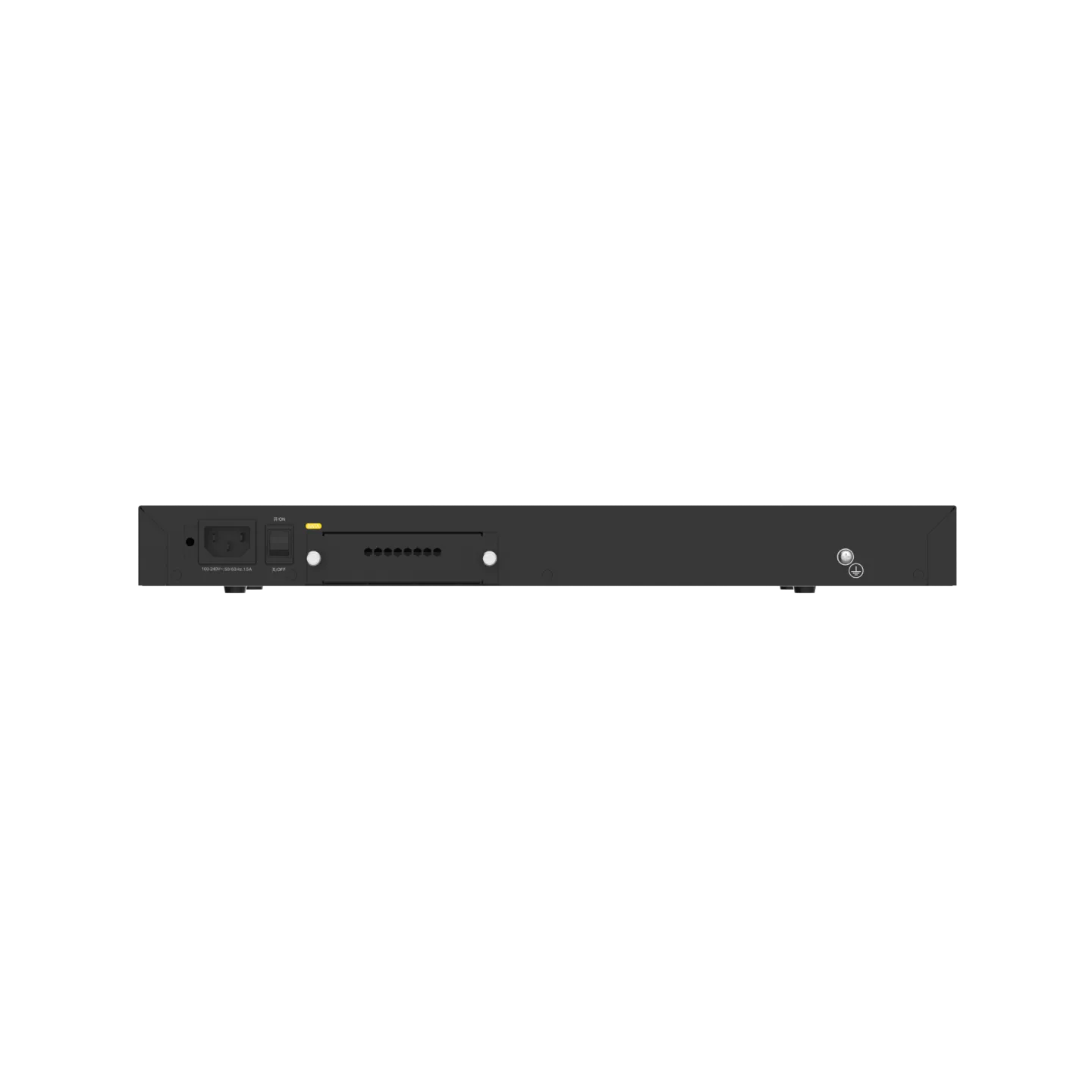
| Power supply | Built-in single power module:l Rated input voltage: 100–240 V; 50–60 Hz
l Rated input current: 0.65 A |
| Max. Power Consumption | < 25 W |
| Environment and Reliability | RG-WALL 1600-Z3200-S |
| Operating temperature | 0°C to 45°C (32°F to 113°F) |
| Storage temperature | –40°C to +70°C (–40°F to +158°F) |
| Operating humidity | 5% RH to 95% RH (non-condensing) |
| Storage humidity | 5% RH to 95% RH (non-condensing) |
| Noise level | 43.7 dB |
| Operating altitude | 0–5000 m (0–16404 ft.) |
| Compliance | EMC SZEM2302000974ATVLVD SZES2302001034AT |
Software Specifications
| Network | RG-WALL 1600-Z3200-S |
| Physical interface | Configuring interfaces as LAN/WAN interfaces; three IP address assignment modes for WAN interfaces: PPPoE, DHCP, and static IP modesConfiguring routing or transparent mode for interfaces |
| Sub-interface | Configuring sub-interfaces and VLAN IDs |
| Bridge interface | Configuring interfaces in transparent mode as bridge interfaces |
| Static route | Configuring IPv4 static routes |
| PBR | Configuring policy-based routing (PBR) |
| Routing table | Overall routing information of a device |
| DHCP server | DHCP server; configuring DHCP address pools |
| Address management list | Assigned DHCP address list |
| DNS server | Configuring DNS addresses for devices |
| Link detection | Link detection and link detection logs |
| VPN | SSL VPN and IPsec VPN |
| VRRP | VRRP functions |
| Object | RG-WALL 1600-Z3200-S |
| Address/Address group | Configuring address objects in IP address/range format |
| Zone | Configuring security zones |
| Application and application group | Configuring application types in application/application group mode |
| Service/Service group | Configuring service objects; common default port services supported |
| Time plan | Configuring time objects; one-off time plans and cyclic time plans supported |
| Virus protection template | Configuring content object templates; predefined virus protection templates supported |
| Configuring virus protection templates; configuring quick scan or deep scan; configuring templates based on protocols and directions; setting excluded viruses | |
| Intrusion prevention template | Configuring content object templates; predefined intrusion prevention templates supported |
| Configuring intrusion prevention templates; configuring rule filters based on objects, severity, protocols, and threat types; setting excluded rules | |
| SSL proxy certificate | Adding, importing, deleting, viewing, and downloading SSL proxy certificates; configuring a global SSL proxy certificate |
| Server certificate | Importing, deleting, viewing, and downloading server certificates |
| Security rule base | Viewing default security rules in the IPS library |
| Content identification | URL category and keyword configuration |
| User authentication | User management, user import, authentication server configuration, real-name user information synchronization, and authentication policy configuration |
| Policy | RG-WALL 1600-Z3200-S |
| Traffic learning | Traffic learning to record destination IP addresses and port numbers as well as abnormal traffic |
| Export of traffic learning logs | |
| NAT | NAT and NAT policies |
| Policy import | Batch import of NAT policies |
| ALG | Common NAT ALG services in NAT policy |
| Server mapping | Server port mapping in NAT policy |
| Address pool | NAT address pool status display in NAT policy |
| Security policy | Configuring security policies; customizing policies based on parameters including objects, contents, and zones; policy list |
| Security policy | Batch import of security policies |
| Simulation policy | Simulating policy execution in the simulation space to check whether uncertain security policies can achieve expected effects |
| Policy configuration wizard | Security policy configuration wizard for conducting port scan, performing configurations, testing configurations, and other steps to generate security policies |
| Policy optimization | Sorting out configured security policies and analyzing policies to identify redundant, expired, and conflicting policies |
| Policy lifecycle | Full lifecycle display of security policies, including detailed records of policy changes |
| Port scan | Port scan of configured IP ranges for all ports or selected ports; policy creation prompt for scan results |
| DoS/DDoS attack defense | Different DDoS attack defense policies in security defense |
| ARP attack defense | Anti-ARP spoofing, ARP flooding suppression, and other functions in security defense |
| Local defense | Configuring local defense policies in security defense |
| Blocklist/Allowlist | Configuring global blocklists and allowlists |
| SSL proxy policy | Configuring SSL proxy policies; customizing policies based on parameters including objects, contents, and zones; policy list |
| SSL proxy template | Configuring SSL proxy templates; setting the template type to protecting client or server |
| Allowlist | Configuring domain name allowlists and application allowlists |
| Allowlist | Configuring domain name allowlists and application allowlists |
| Behavior analysis | Configuring analysis policies, templates, and allowlists |
| System | RG-WALL 1600-Z3200-S |
| Administrator | Creating device administrators, including account names, passwords, and description |
| Administrator role | Setting multiple administrator roles and assigning different permissions |
| Clock configuration | Configuring system time; NTP service configuration supported |
| Service parameter | Configuring service ports for a device, including web (HTTPS), SSH, and other ports |
| Authorization management | Managing licenses of devices, including license import and activation |
| Device information | Viewing device information, including the product name, SN, and MAC address, version information, running time, and license information |
| System restart | Restarting the system on the web UI |
| System upgrade | Upgrading the system |
| Patch installation | Downloading and installing patches for upgrade |
| Configuration backup | Import and export of device configurations |
| Factory settings restoration | Restoring factory settings on the web UI |
| Signature library upgrade | Automatic signature library upgrades based on the latest versions on the cloud |
| Cloud management platform | Enabling or disabling unified management on the cloud management platform |
| Device binding | Adding devices to the cloud management platform by scanning a QR code |
| Ping | Ping for troubleshooting |
| Tracert | Tracert for troubleshooting |
| Packet obtaining tool | Tool for obtaining packets and exporting results |
| One-click collection | Collecting fault information with one click |
| Device health | Device health diagnosis |
| Service diagnosis | Service continuity diagnosis |
| Breakdown record | Breakdown information records |
| Device log retention | Device log retention |
| Factory settings restoration | Restoring factory settings on the web UI |
Chỉ những khách hàng đã đăng nhập và mua sản phẩm này mới có thể đưa ra đánh giá.
Sản phẩm tương tự


Thiết Bị Firewall


Thiết Bị Firewall

Thiết Bị Firewall


Thiết Bị Firewall


Thiết Bị Firewall


Thiết Bị Router


Thiết Bị Firewall

Thiết Bị Firewall


Thiết Bị Firewall

Thiết Bị Firewall


Thiết Bị Firewall


Đánh giá
Chưa có đánh giá nào.